Passive Reconnaissance Techniques - API Pentesting

I've been studying API penetration testing at APISec University, as I mentioned in the previous post.
I would be summarizing the information I've learned in the course and some of my general research on this topic.
Passive reconnaissance
Google Dorking: Use google's advanced search filters and operators to identify APIs
Some useful commands:
inurl: Discover websites with a specific word in the URL.
intitle: Search for pages with a particular term in the title.
intext: Look for pages with a specific term (or words) present somewhere in the text.
filetype: finds a certain filetype that is mentioned in the search.
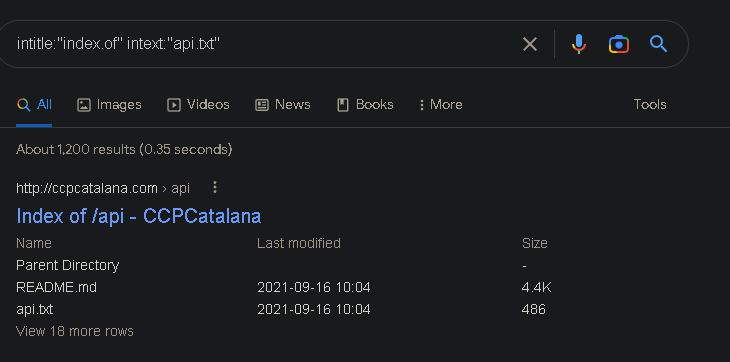
The comprehensive list of Google Dork commands is found here: https://gist.github.com/sundowndev/283efaddbcf896ab405488330d1bbc06
GitHub Dorking
GitHub can be a useful source for learning about the target API's features, documentation, and hidden information, including API keys, passwords, and tokens.
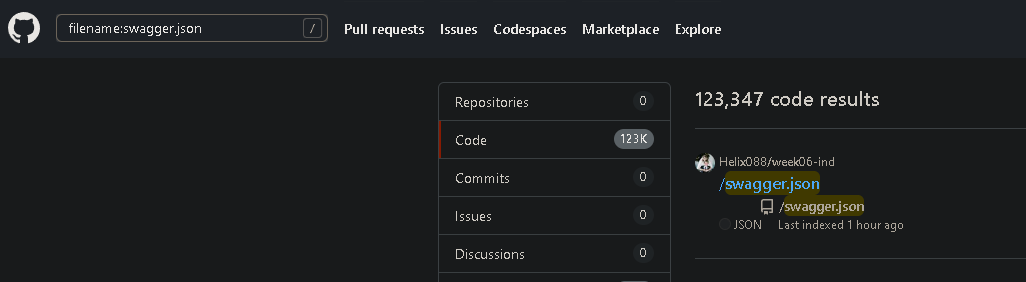
Sample search includes:
filename:swagger.json
extension: .json
"Exposed API keys" in Issues
Shodan
Shodan can be used to identify external-facing APIs and obtain information about your target's open ports if you only have an IP address or the name of the organization to work with. However, the free version is limited to a few search pages.
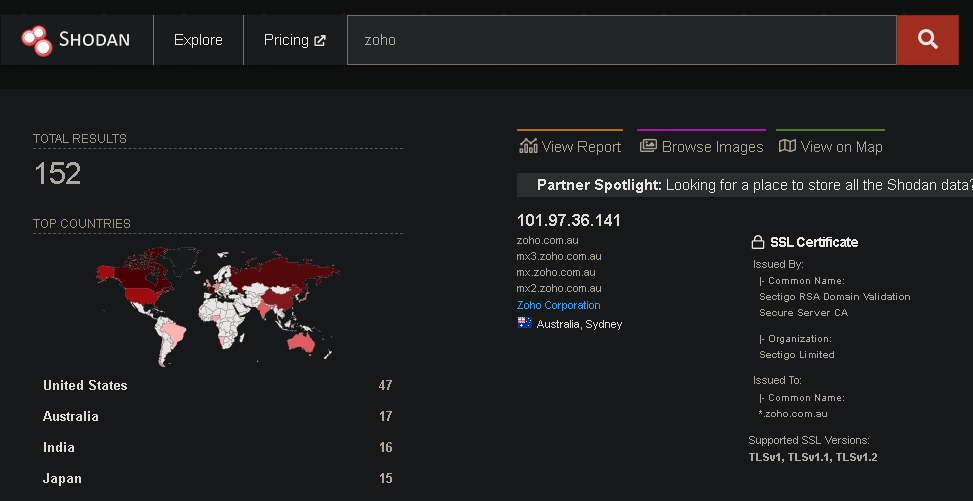
Shodan's search query examples: https://www.shodan.io/search/examples
TruffleHog
As per kali.org, This (TruffleHog) package contains a utility to search through git repositories for secrets, digging deep into commit history and branches. This is effective at finding secrets accidentally committed.
GitHub source: https://github.com/trufflesecurity/trufflehog
#sudo docker run -it -v "$PWD:/pwd" trufflesecurity/trufflehog:latest github --org="target name"or install and run it locally
#trufflehog $git_url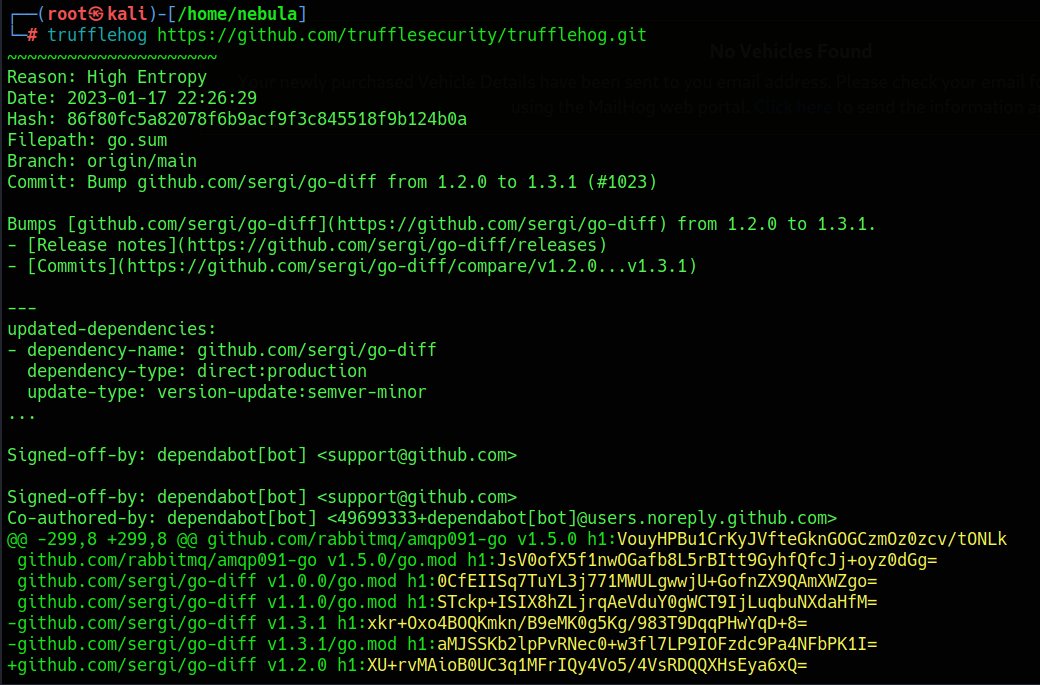
Other tools worth exploring:
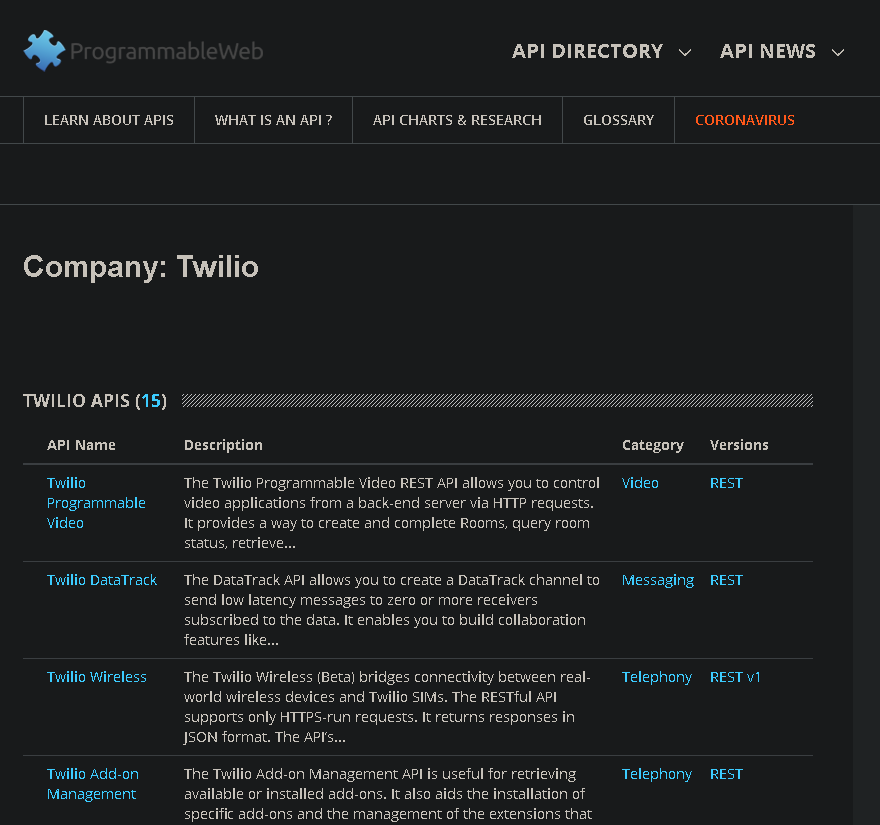
As of October 2022, this website has been retired, but it may still include data from older APIs.
The Wayback Machine
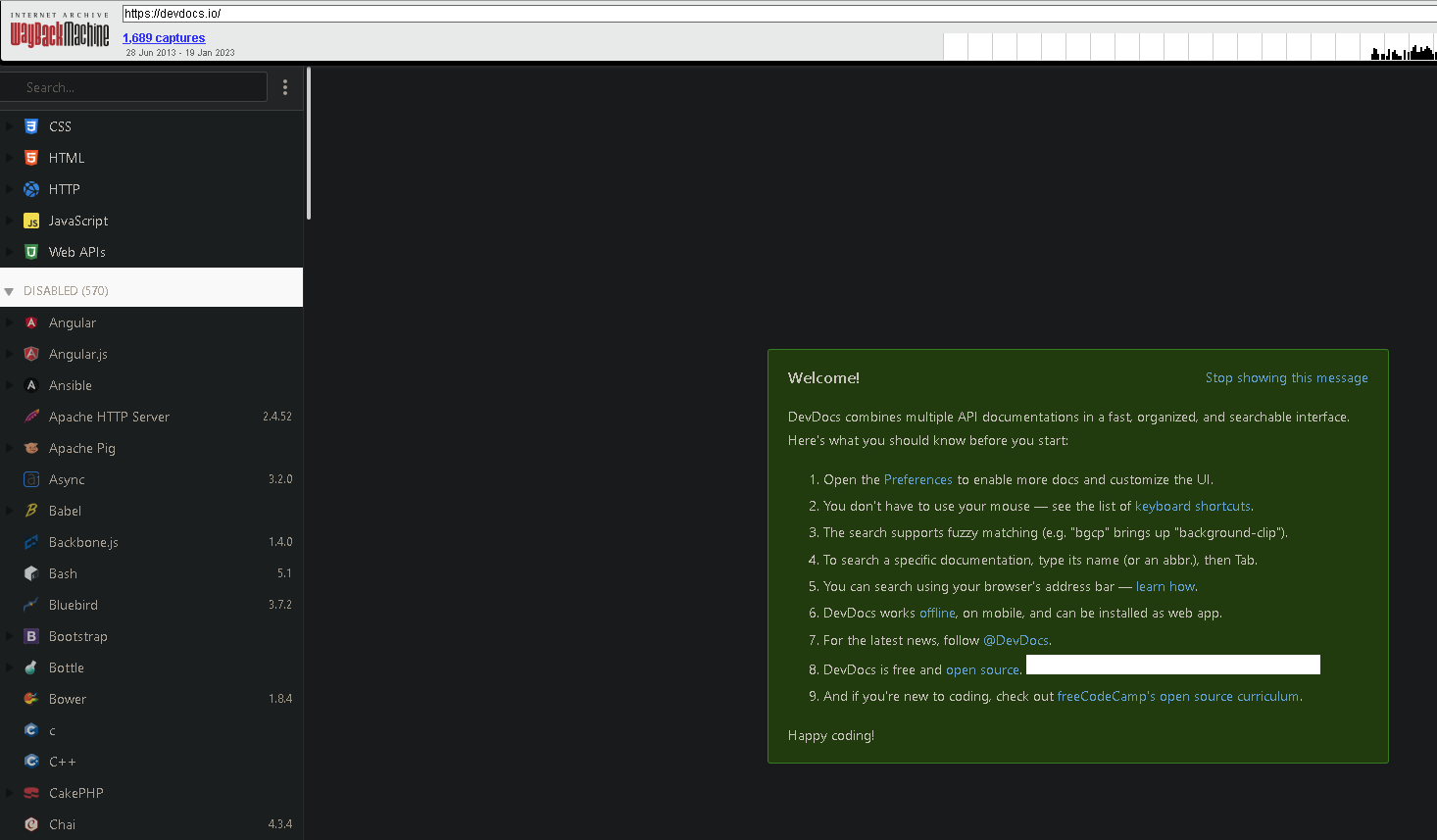
The Internet Archive, a nonprofit organization based in San Francisco, California, established The Wayback Machine as a digital archive of the World Wide Web.
It can be used to look for archived data of the target API for possible information disclosure.
Comments
Join the discussionNo comments yet. Be the first to comment.